
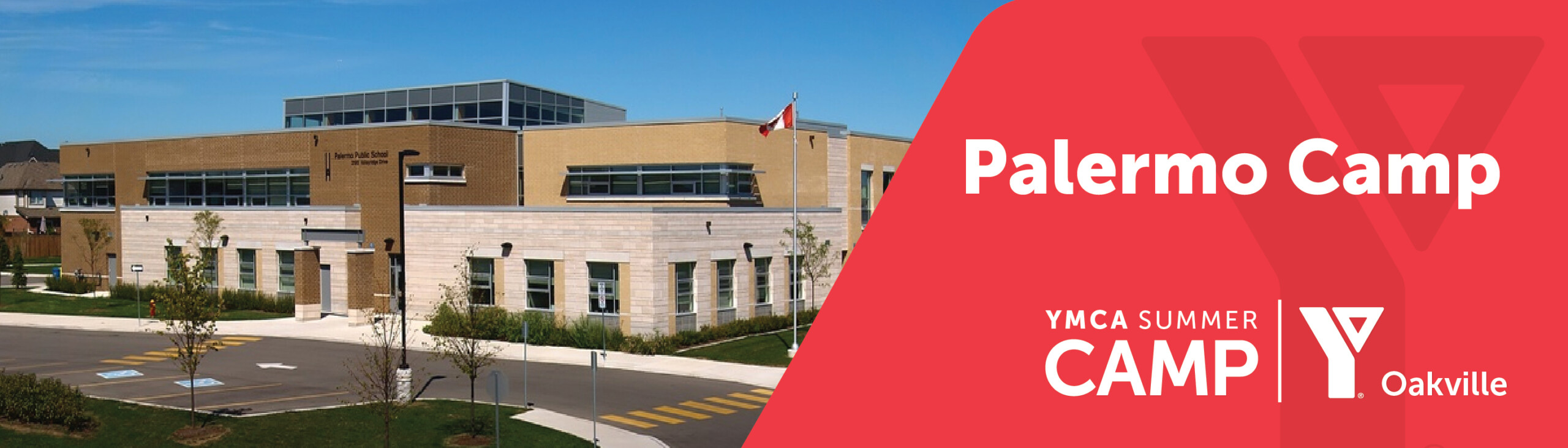
YMCA Summer Day Camper Call – Palermo Public School
YMCA Summer Day Camp is a chance for everyone to create endless summer memories: playing games, exploring the outdoors, learning new skills and making friends for life! With a fresh selection of traditional and specialty camps this summer there is something for everyone! We look forward to helping campers unplug from screen time and plug into rediscovering the outdoors, sports, trips, fun activities and more.
Camp Director: Star
Assistant Camp Director: Apollo
General Schedule – Day in the life
| Time | Details |
|---|---|
| 8:00am-9:00am | Before Care Begins (Must sign up!) |
| 9:00am-12:00pm | CAMP BEGINS
Snack Song circle PROGRAMMING + Cirriculum BEGINS |
| 12:00pm-12:30pm | LUNCH |
| 1:00pm-2:00pm | PROGRAMMING CONTINUES |
| 2:00pm-3:00pm | Snack
PROGRAMMING CONTINUES Pickup begins |
| 4:00pm-5:00pm | CAMP ENDS, aftercare begins (must be signed up)
Aftercare ends at 5pm |
WHAT TO BRING
Please ensure that your camper is coming to camp each day with the following:
- Hat / Sunglasses
- Sunscreen
- Refillable water bottle
- Please ensure you are packing your camper with a FULL lunch as they have two snack times and one 30-minute lunch break
- All lunches MUST be Nut free
- Comfortable clothing and closed toe shoes (mandatory)
- Bathing suit & towel for swimming or splash pad time
SPECIAL EVENT
Every Friday there is a special event where campers and counsellor dress to the week’s theme, and this week we encourage campers to dress to the theme. They can choose to wear something related to the theme. Our counsellors will be dressing up, so we hope your camper will too.
| Schedule | Theme |
|---|---|
| Week 1 | Monochrome |
| Week 2 | Superheroes & Villains |
| Week 3 | Olympics/Culture |
| Week 4 | Dynamic Duo |
| Week 5 | Celebrity |
| Week 6 | Beach |
| Week 7 | Carnival |
| Week 8 | Disney/Animation |
| Week 9 | Sport |
FUN FRIDAY
Every Friday, we celebrate the week’s theme with Fun Fridays, a special event featuring four exciting stations: Passive Play, Active Games, Food Crafts, and Memory Frames. At the Memory Frames station, each camper receives a group photo to decorate and take home as a keepsake. Group photos are taken every TUESDAY, so to ensure your camper is included, please make sure they attend camp on that day.
WEDNESDAY WALLAROO
Every Wednesday, campers take part in a special camp-wide event led by our site’s Assistant Director, Apollo, called Wednesday Wallaroo. These large-scale games are designed around the weekly theme and offer a fun, engaging experience for all campers to enjoy together. It’s a highlight of the week that brings the entire camp community together for excitement, teamwork, and unforgettable memories!
DIY
For our DIY campers there may be times when you need to bring in some materials to enhance some of our DIY activities. This will be given in a DIY slip which is a slip of paper sent home. DIY counselors will have enough materials to support all campers’ activities; this is only to enhance the craft if you would like.
ABSENCES
If your child will not be attending camper for any of the camp days, we ask that you send me an email to the Director, Alessia (aka Star) at [email protected] between the times of 7AM – 9AM so I am aware of this absence and I can let our staff know.
NEW / SWAPS
Whom to contact regarding new registrations, switch/swap a week/program?
Send an email to the email address [email protected]
CANCELLATIONS
How to request for a cancellation?
Fill in the cancellation form through the link: https://ymcaofoakville.org/programs/camps/cancellation/
AUTHORISED PICKUPS
How to add authorised pick ups?
- Follow this link to sign in and visit the My Account page: https://anc.ca.apm.activecommunities.com/ymcaofoakville/myaccount
- Go to my account page
- Scroll to the bottom and click on Manage Family member
- Add new member, enter the details, and click on Submit
- In the same page, under child’s name, click on authorised pickups and add the new member
SUMMER SCHEDULE
How to check your child’s schedules for the summer?
- Follow this link to sign in and visit the My Account page: https://anc.ca.apm.activecommunities.com/ymcaofoakville/myaccount
- Scroll down to the bottom of the webpage and click on View Family Members Schedule
- Click on the button, Family Members, and choose the child’s name.
- Click on the date and choose July/August to look at the Schedule which shows the program name/week you have registered your child for.

Sign up for updates
Want more information about new promotional offers and all of our programs for children, youth and families?